Add editable Google Font text to any AI image or photo
Drop or paste a text-free AI image or product photo, position live Google Font headlines, dates and prices on top, and export a full-resolution PNG in your browser—free, with no account or watermark.
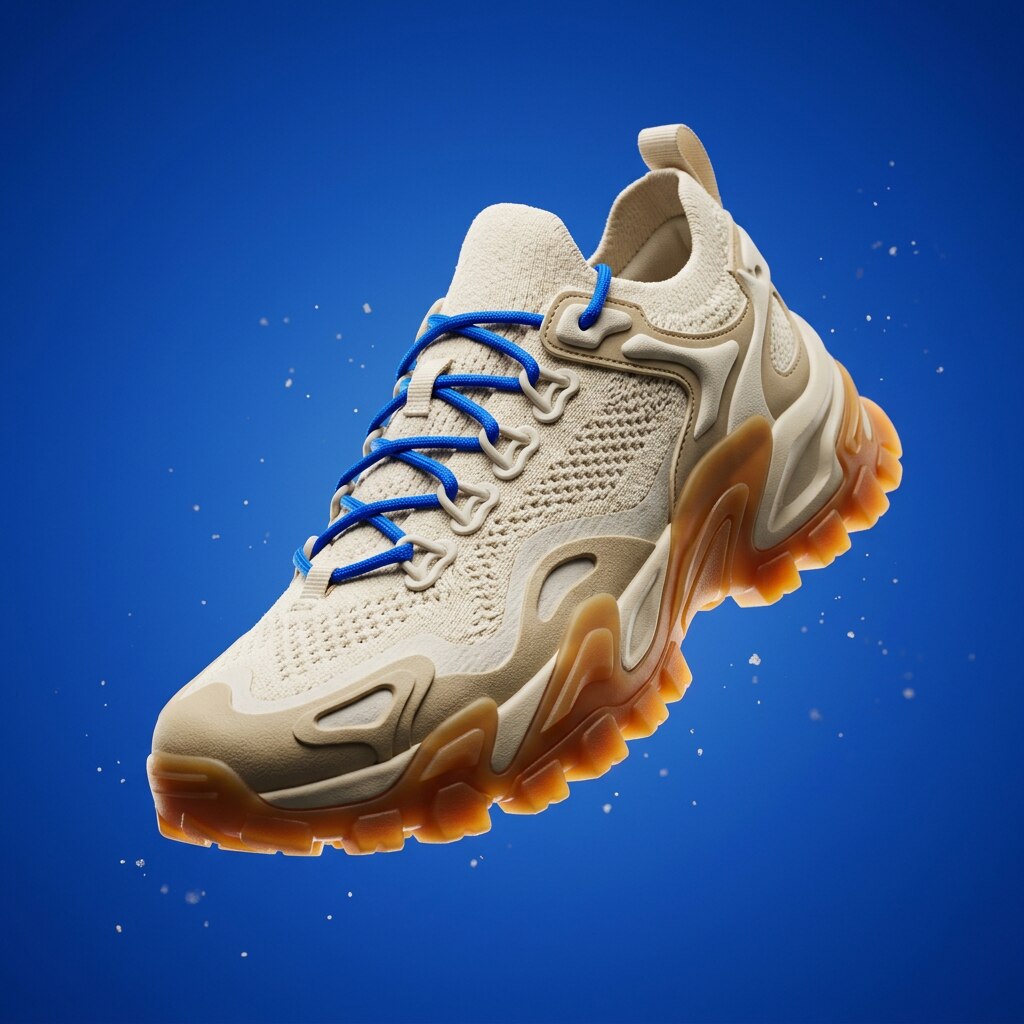
Need the background artwork and layout designed too? Prismind turns your product photos and brief into custom scenes with wireframe layout approval and live Google Font text layers built in.
Open Prismind StudioHow to keep AI posters editable when dates or prices change
In our 64-poster benchmark across Nano Banana 2.1, FLUX 3 and GPT Image 2.5, every single rerun changed the product, scene or layout when asked for another pass. Keeping copy out of the image prompt—and placing real typography over a clean background—means fixing a typo or updating a weekend sale date takes seconds instead of another generation roll.
- Generate or photograph your scene without baked-in words, leaving clean breathing room where the headline and offer details belong.
- Upload, drag in or paste (Cmd/Ctrl+V) the image into the canvas above.
- Pick from over 1,500 Google Fonts, drag each text block into place (or nudge with arrow keys), and toggle a contrast shadow if the photo underneath has bright highlights.
- Download the full-resolution PNG—and save your clean background file so next week’s date or price swap is just a retype.
When you need more than a text overlay: how Prismind Studio works
Adding text manually works well when you already have finished artwork with open negative space. When you are starting from a raw product photo, a brief or a brand guide PDF—and don’t want to hunt through stock Canva templates or fight prompt trial-and-error—Prismind handles the whole promotional graphic:
- Compare distinct creative directions and visual style references tailored to your offer before generating.
- Approve and drag-adjust an SVG wireframe layout first, so the background scene is composed around your exact headline, product and callout zones.
- Keep headlines, dates and prices on a live Google Font text layer automatically, including curved paths, color moods and saved project variations.
Frequently asked questions
Does this tool upload my image to a server or add a watermark?
No. Your image stays inside your browser tab, Google Fonts load directly in the page, and the exported PNG is rendered locally at your image’s full pixel resolution with no watermark or signup.
Why add text on a separate layer instead of prompting ChatGPT, Nano Banana, or FLUX?
Image models paint letters into the picture’s pixels. When a date, price, or headline changes—or comes out misspelled—asking the model to regenerate redraws the scene and can shift your product or layout. Setting live Google Font text on top keeps the artwork untouched.
Can I paste an image straight from ChatGPT, Gemini, or Midjourney?
Yes. Copy any generated image to your clipboard and press Cmd+V (macOS) or Ctrl+V (Windows/Linux) on this page, or drag and drop a PNG, JPG, WebP, or AVIF file onto the canvas.
When should I use this free tool versus the full Prismind workspace?
Use this browser tool whenever you already have a clean, text-free background image and just need crisp Google Font typography and a fast PNG export. Open Prismind when you want to go from a raw product photo and brief to tailored visual concepts, an approved wireframe layout, custom background artwork, and saved editable variations.
Design the whole promo graphic without templates
New accounts receive 5,000 free credits, followed by one-time credit packs starting at $10 with no monthly subscription.
Try Prismind